Gemini in Gmail, Docs & Keep (Live)
Google's voice-driven Gemini features inside three Workspace apps — Gmail Live, Docs Live, and Keep Live — so you can talk to your inbox, dictate a document, and turn spoken brain-dumps into organized notes, hands-free.
Last verified · 2026-10-23 · by Moe Ameen
Published 2026-09-04 · Updated
Short answer
Gmail Live, Docs Live, and Keep Live are voice features Google announced on September 3, 2026. They let you talk to Gemini inside Workspace: Gmail Live answers questions about your inbox, Docs Live helps you draft documents by voice, and Keep Live turns brain dumps into organized notes. Gmail and Keep need Google AI Plus, Pro, or Ultra; Docs needs Pro or Ultra.
Key takeaways
- Google announced Gmail Live, Docs Live, and Keep Live on September 3, 2026.
- They run through Google's new Gemini 3.5 Live integration.
- Gmail and Keep need Google AI Plus, Pro, or Ultra; Docs Live needs Pro or Ultra.
- Workspace business customers are listed as coming soon.
- They capture and draft; Kompozy turns the note or draft into published posts.
What are Gmail Live, Docs Live, and Keep Live?
Gmail Live, Docs Live, and Keep Live are three voice features that put Gemini's real-time spoken conversation mode directly inside Google Workspace apps. Google began rolling them out on September 3, 2026. Instead of typing, you talk. Gmail Live lets you hold a natural spoken conversation with your inbox to pull precise details — a gate number, what's on this week — with follow-ups and topic switches mid-conversation.
Docs Live is a hands-free thought partner and co-writer that helps organize your thoughts, structure a document, and, with your permission, pull relevant material from your Gmail, Drive, Chat, and the web to reach a first draft faster. Keep Live listens to spoken "brain dumps" and turns them into organized notes and lists in the background.
Availability differs by app and is worth checking before you build a habit around it. Gmail Live and Keep Live are rolling out to Google AI Plus, Pro, and Ultra subscribers; Docs Live is limited to AI Pro and Ultra. Google lists Android and iOS and says broader language support is planned. All three are listed as coming soon for Google Workspace business customers. Treat the exact tiers, platforms, and languages as still moving and confirm against Google before relying on any single detail.
Under the hood, Google says these features run through its new Gemini 3.5 Live integration. The honest creator framing is that all three are excellent capture, drafting, and organizing tools — but their output is a spoken answer, an organized note, or a Google Doc. None of them produces a captioned video, a brand-exact carousel, or a scheduled post, and none publishes anything to a platform.
What can you make with Gmail, Docs, and Keep Live?
- Organized notes and lists from a spoken brain-dump — talk out a week of hooks or angles into Keep Live and get a structured list back, hands-free
- A faster first draft in Docs Live — dictate and structure a document, with details pulled from your own Gmail and Drive
- Precise answers from your inbox — ask Gmail Live a specific question instead of manually searching threads
- A voice-captured rough script or outline you can work from later
- Summaries and context gathered across your Gmail, Drive, and Chat (with permission) as raw material for something you write next
- Structured lists that Keep Live builds in the background from a stream-of-consciousness voice note
How does Kompozy turn a Live note or draft into content?
The real strength here is that the capture happens where you already work, by voice, with zero new app to adopt: Keep Live banks the idea, Docs Live turns it into a first draft, Gmail Live surfaces the detail or the customer thread that sparked it. But every one of those stops at raw material. A note, a Doc, and an inbox answer have no face, no captions, no aspect ratios, no brand styling, and no route onto your platforms. Kompozy is the layer that takes that material and produces the content. Drop a Keep Live list or a Docs Live draft into Kompozy as a source and it becomes a Persona Short — a face-locked HeyGen avatar delivering the script with auto-captions burned in — or a Persona HeyGen scene-built video, each reframed to 9:16, 1:1, and 16:9.
A concrete example the three features make easy: use Gmail Live to pull the gist of a long customer thread, drop that insight into Kompozy, and it becomes a Carousel answering the question publicly plus an email newsletter — both rewritten in your Persona Brief voice rather than Gemini's generic tone. From there the same source can fan into a blog article, Quote Graphics, and platform-native text posts, all held to one look through HyperFrames and scheduled across the eight social platforms plus blog and email on Autopilot, with a per-post review pipeline. You capture it hands-free in Workspace; Kompozy makes it a face, a caption, a schedule, and a published post. For the standalone version of this voice mode, see Gemini Voice (Gemini Live).
- Capture hands-free in Workspace: brain-dump ideas into Keep Live, draft an outline in Docs Live, or pull a thread's gist with Gmail Live.
- Copy the Keep note or the Docs draft into Kompozy as a topic or source.
- Pick the format — a Persona Short or HeyGen avatar video to have an avatar deliver the script, or let Kompozy fan the idea into carousels, a blog, and a newsletter.
- Kompozy rewrites everything in your Persona Brief voice, renders the media, and reframes every clip for each platform.
- Review the batch in one pipeline, then schedule it across the eight social platforms plus blog and email on Autopilot.
What does this look like in Kompozy?
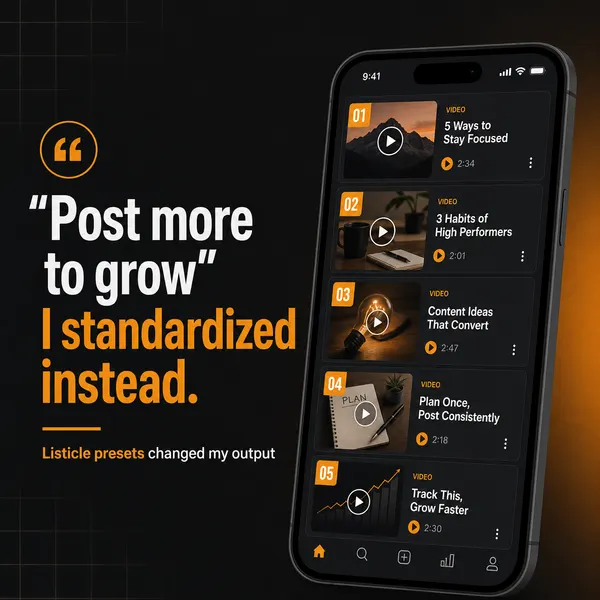
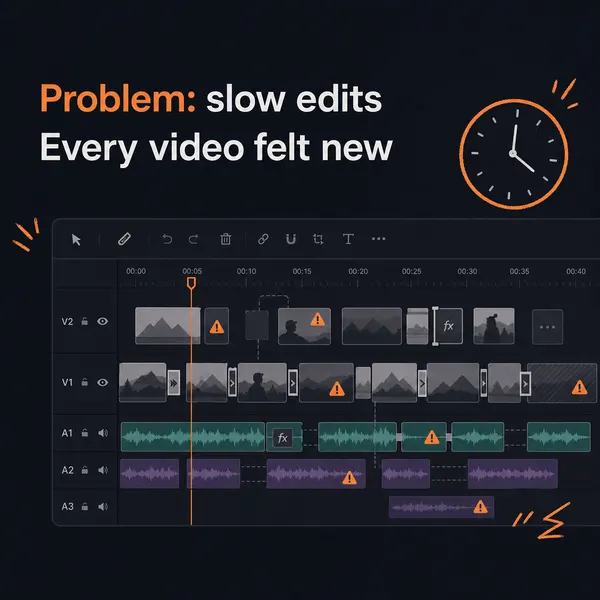
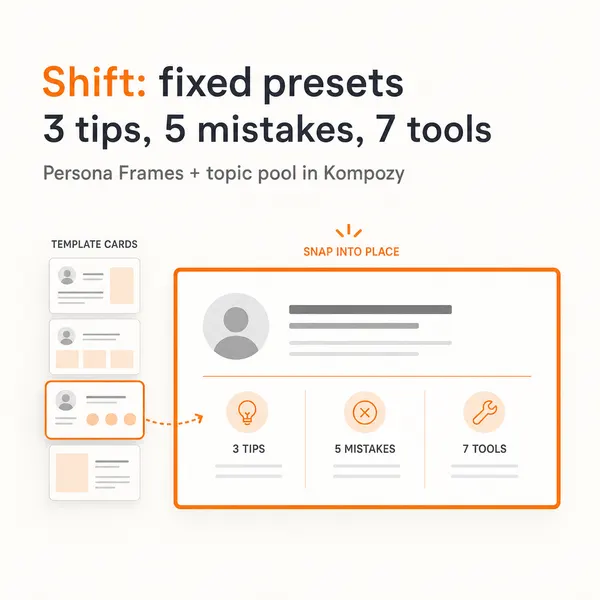
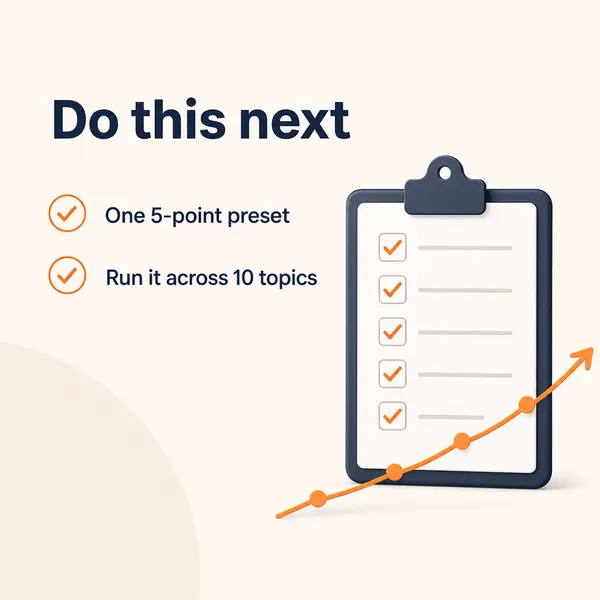
An actual Kompozy output in the carousel format. It was made for a different subject than Gmail, Docs, or Keep Live, and it shows the finished format you would get.

Who is this for, and who should skip it?
Best for:
- Google AI subscribers who think better out loud
- Creators who capture ideas on the go and draft later
- Busy inbox users who want quick spoken answers
Not ideal for:
- Workspace business accounts, until Google ships it to them
- Google AI Plus subscribers who want Docs Live (it needs Pro or Ultra)
- Anyone who needs finished video or scheduled posts from these apps
Frequently asked questions
What are Gmail Live, Docs Live, and Keep Live?
They are three voice features that embed Gemini's spoken conversation mode inside Google Workspace apps, rolling out from September 3, 2026. Gmail Live talks to your inbox to pull precise details, Docs Live is a hands-free co-writer that drafts and structures documents, and Keep Live turns spoken brain-dumps into organized notes and lists.
What subscription and devices do I need?
Gmail Live and Keep Live are for Google AI Plus, Pro, and Ultra subscribers; Docs Live is for AI Pro and Ultra only. Google lists Android and iOS, and all three are coming soon for Google Workspace business customers. The rollout is ongoing, so confirm current details on Google.
Can these Live features create or publish social content?
No. They produce spoken answers, organized notes, and Google Doc drafts — not captioned video, brand-exact carousels, or scheduled posts, and they publish to no platform. To turn a Keep note or a Docs draft into finished, published content, pair them with a content engine like Kompozy.
How do I turn a Keep note or a Docs draft into a video?
Capture it by voice in Keep Live or Docs Live, then copy the note or draft into Kompozy. Kompozy rewrites it in your Persona Brief voice and renders it as a Persona Short or HeyGen avatar video with burned-in captions, reframes it for each platform, and schedules the post across the eight social platforms plus blog and email.
How do we know this?
We checked every figure and product claim on this page against the sources listed below on 2026-10-23, and removed or corrected anything they did not support. Availability details we could not confirm on Google's post were removed. Kompozy plan and platform details come from kompozy.io/pricing and kompozy.io.
Sources
- Google: New voice features in Gmail, Docs, and Keep (read 2026-10-23)
- Kompozy: Home (read 2026-10-23)
Related tools
- Gemini Voice (Gemini Live) — Google's real-time voice mode for the Gemini app — a hands-free, conversational AI you talk to, show your camera, and share your screen with, powered by the Gemini 3.1 Flash Live audio model.
- Gemini App — Google's consumer AI assistant — chat, voice conversations with live camera and screen sharing, image generation, and deep research on Android, iOS, web, and desktop. It crossed one billion monthly active users in August 2026.
- Gemini Spark — Google's agentic desktop assistant — it reads and organizes your files, runs Workspace tasks, and monitors topics, now on Mac.
- Google Pics — Google's prompt-first AI image generator and editor inside Google Workspace — describe a design in words instead of building it from a template, powered by the Nano Banana model.
- Gemini Agent — Google's AI agent that runs multi-step tasks for you — Deep Research, live web browsing, and Gmail/Calendar actions, with confirmation before it spends or sends.
- Gemini App for Windows — Google's native desktop Gemini app for Windows 10 and 11 — press Alt+Space to open Gemini over your active work, with Nano Banana image generation and Gemini Omni video built in.