How to repurpose a webinar into 4 weeks of content
How to turn one 60-minute webinar into 4 weeks of platform-native content: clips, a blog series, an email sequence and an on-demand replay funnel.
Last verified · 2026-10-23 · by Moe Ameen
Published 2026-05-22 · Updated
Short answer
A 60-minute webinar can fill 4 weeks of content: 8-10 vertical clips, 4-6 carousels rebuilt from the slides, a 3-4 part blog series, a 4-email follow-up sequence, 8-12 quote graphics, and a gated on-demand replay page. Plan for repurposing when you write the slides, record the speaker and slides separately if you can, and mine the Q&A on its own for social content.
Key takeaways
- Write slide titles like blog headings so the blog series is half-planned.
- The slide deck becomes 4-6 carousels; redesign them for social aspect ratios.
- Mine the audience Q&A separately; it shows what your audience actually asks.
- Run a 4-email sequence: day 1, day 3, day 7 and day 14.
- A gated replay page reaches the people who missed the live session.
Webinars are an under-mined repurposing source because most operators run them, drive the live attendance, send the replay link, and stop there. The real repurposing value sits in the 60 minutes of content that produces 4 weeks of distribution if you mine it properly.
The workflow below assumes a 60-minute webinar with slides, recorded video, and audience Q&A. Adjust proportionally for shorter or longer formats.
How do you repurpose a webinar in 7 steps?
- Plan the webinar for repurposing at design time. Write the slide titles as if they are blog headings. Build 3-5 natural quote-worthy moments into the script. End with a Q&A you can mine separately.
- Record clean. Most webinar platforms (Zoom, Webex, StreamYard) produce passable recordings; clean up audio in post-production with Adobe Audition or Descript. Capture the speaker view separately from the slide view if your platform allows.
- Transcribe immediately. Webinar transcripts are slightly harder than podcasts because of slide context — annotate which slide is on screen for each transcript segment.
- Cut 8-10 vertical clips. Webinar clips need extra polish because the original framing is usually wide-shot or slide-only. Reframe with face tracking, add slide insets where the slide content is load-bearing.
- Convert slides into carousel outputs. The slide deck is the seed for 4-6 LinkedIn or Instagram carousels — one carousel per major framework discussed. Re-design slides for social aspect ratios.
- Spin out a 3-4 part blog series. Each major webinar section becomes a 1,000-1,500 word blog post. Publish across 4 weeks.
- Build a 4-email post-webinar sequence. Email 1 (day 1): "thanks for attending, here's the replay." Email 2 (day 3): "the most asked question from yesterday." Email 3 (day 7): "the framework I shared." Email 4 (day 14): "the next webinar."
How do you build an on-demand webinar replay funnel?
Build an on-demand replay funnel so the webinar keeps working after the live date: a gated replay page, an opt-in, an automated email sequence after the opt-in, and a retargeting pixel. A webinar that ships only as a one-time live event never reaches the people who missed it, and the replay page is how you reach them.
What tools do you need to repurpose a webinar?
Solo or in-house: Kompozy Pro ($499/month) handles the multi-output generation. Descript for the audio cleanup and transcript-driven editing. A landing page tool (ConvertKit, ConvertBox) for the replay funnel.
Agency stack: Kompozy Pro ($499, or Enterprise for larger rosters) plus dedicated landing-page software for client funnels (often built into the agency's preferred CRM stack). The rest of the bill depends on the funnel tooling you already pay for.
What outputs can one webinar produce?
- 8-10 vertical clips across TikTok/Reels/Shorts — focus on the high-value frameworks taught during the webinar.
- 4-6 LinkedIn or Instagram carousels — slide content re-designed for social.
- 3-4 blog posts published weekly across the post-webinar month.
- 1 newsletter feature in the week after the webinar.
- 8-12 quote graphics for X/Threads/IG quotes from the speaker.
- 1 on-demand replay landing page with opt-in.
- 4-email post-webinar sequence delivered to opt-ins.
- 1-2 LinkedIn native video uploads of the highest-converting moments.
What are the common webinar repurposing mistakes?
- Treating the live event as the finished product. The replay funnel is where most of the value sits.
- Forgetting to capture audience Q&A separately. The Q&A is a goldmine for "questions my audience actually asks" social content.
- Burning slide content into clips without re-designing for social aspect ratios. Slides designed for 16:9 webinar look bad cropped to 9:16.
- Skipping the blog series because "we already wrote the slides." The slides are a small part of the blog content; most of it is what was said about them.
What does this look like in Kompozy?
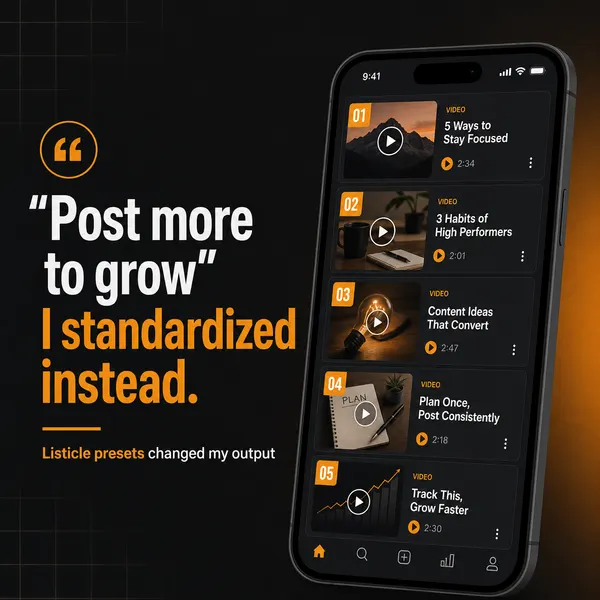
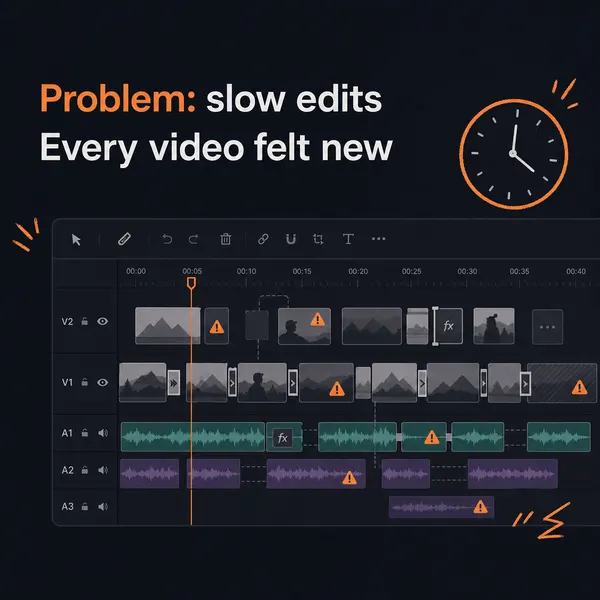
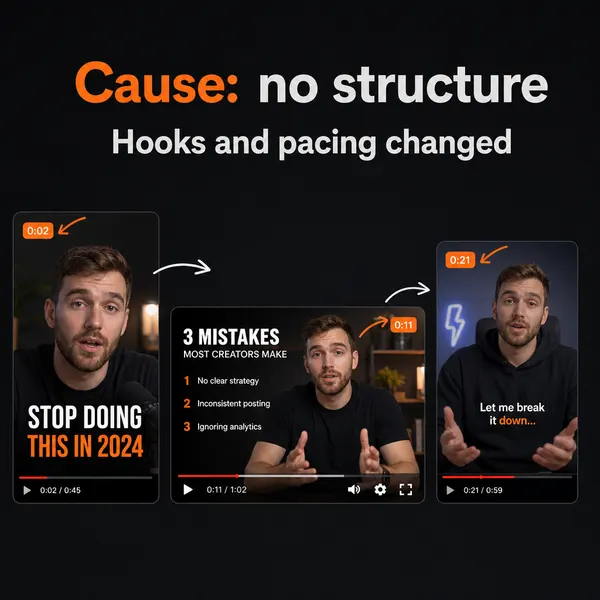
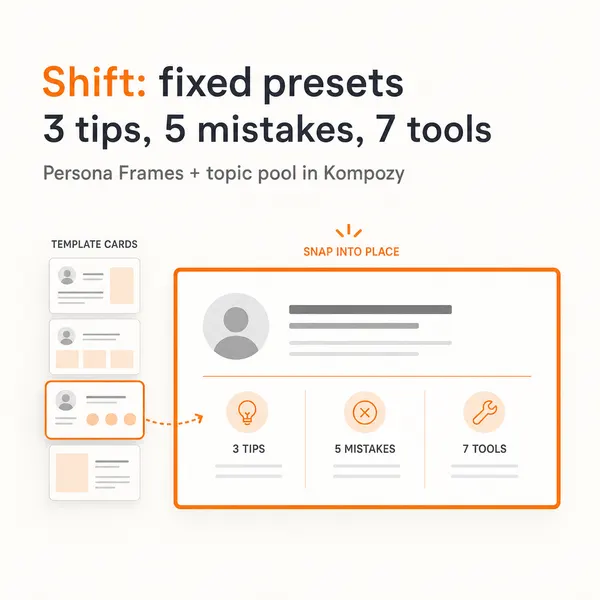
A real output from the Kompozy workspace in the carousel format, one of the outputs this workflow calls for. It shows the format, not a piece made from this page's example.
Who is this for, and who should skip it?
Best for:
- B2B teams and coaches running monthly webinars with slides and a live Q&A.
- Marketers who want an on-demand replay funnel that collects opt-ins.
- Virtual summit hosts, scaled up by speaker count.
Not ideal for:
- Weekly webinar schedules, because each webinar's repurposing plan runs for 4-6 weeks.
- Regulated teams without a compliance reviewer for every output.
- Slide-only recordings with no speaker on camera, which give you few usable vertical clips.
Frequently asked questions
How long does the full post-webinar workflow take?
Plan for several short working sessions spread across the 7-14 days that outputs ship, rather than one long edit day. The tools do the mechanical work; your time goes on picking clips and reviewing copy.
Should I gate the replay or make it free?
Gate for opt-in for the first 30 days post-webinar; consider releasing ungated to social or YouTube after the opt-in window closes if the content is evergreen.
Can I run the same workflow for a virtual summit?
Yes, scaled by speaker count. A 10-speaker virtual summit becomes 10x the output volume, distributed across 6-8 weeks.
How long after the webinar should clips start shipping?
First clips ship 24-72 hours after the live event while the audience attention is hot. Clips continue shipping for 4-6 weeks post-webinar.
Should I co-promote with attendees?
Yes when applicable. Tag known attendees in the post-webinar social content where they have public accounts. Drives both replay traffic and next-webinar registration.
How often should webinars run for the repurposing math to work?
Monthly is the sweet spot. Quarterly works if each webinar is a longer-form virtual summit. Weekly is too aggressive — the repurposing workflow per webinar takes 4-6 weeks to fully run.
What about webinars in regulated industries?
Every repurposed output goes through compliance review before it ships. Expect fewer outputs per webinar than in an unregulated niche, because each one needs sign-off.
How do we know this?
We checked every figure on this page against the sources listed below on 2026-10-23. Kompozy plan prices, credits and platform counts come from kompozy.io/pricing. Output counts and word lengths are our planning targets for the workflow, not measured results.
Sources
- Kompozy — Pricing (read 2026-10-23)