How to check if Google AI Mode is answering your queries (2026)
Audit your Google AI Mode exposure: build a query list, test fan-out and follow-ups, log where you're cited, and act on the topics AI Mode resolves in place.
Last verified · 2026-10-23 · by Moe Ameen
Published 2026-09-21 · Updated
Short answer
To check whether Google AI Mode is answering your queries, run your top informational and how-to questions in AI Mode and log three things for each: did it answer inside the thread, are you cited, and how prominently. Ask the natural follow-up questions too, since AI Mode splits a question into sub-queries and keeps going across turns. Then sort the queries into buckets and fix the ones where you're absent.
Key takeaways
- Test 20 to 40 real questions in AI Mode itself. A rank tracker can't show you this.
- For each query, log whether it was answered in place, whether you were cited, and how visibly.
- Ask the follow-ups. You can be missing on the first answer and cited on the next one.
- Search Console's AI report lumps AI Mode in with AI Overviews and shows impressions only.
- Answers change from run to run, so repeat the audit monthly or quarterly.
Google AI Mode is the surface where the click most nearly disappears — in Similarweb clickstream data analyzed by iPullRank, clicks out of AI Mode stayed below about 3 percent in mid-2025, far fewer than a classic results page sends. That makes a simple question strategically important: for the queries your business depends on, is AI Mode already answering them in the thread, and when it does, is it citing you or summarizing past you?
You cannot read this off a rankings tool, because a page can rank first and still be a source AI Mode quietly folds into an answer that sends no one to it.
This is the hands-on audit that answers it. It is deliberately AI-Mode-specific: because AI Mode decomposes a question into sub-queries (query fan-out) and continues across follow-up turns, testing your head keyword alone tells you almost nothing — you have to walk the session the way a real user would.
Work these steps in order to produce a concrete exposure map: which of your queries AI Mode resolves in place, where you show up when it does, and the short list of topics that need action. For the strategy behind what the audit finds, see Google AI Mode and zero-click traffic.
How do you audit whether Google AI Mode is answering your queries?
- Build the query list from the intents AI Mode actually resolves. Start from the queries that matter to you, then filter to the ones AI Mode is likely to answer in place. Pull your top informational, definitional, how-to, and 'what is' queries from Search Console — these are the intents the conversational surface resolves without forwarding. Set aside pure transactional, pricing, and comparison queries for now; those still tend to route out. Aim for a focused list of 20 to 40 real questions phrased the way a person would ask them, not clipped keywords, because AI Mode is built for natural-language questions.
- Run each query in AI Mode and log exactly what it does. Open AI Mode (the dedicated tab or aimode surface, not a normal results page) and enter each query. For every one, record three things: did it fully answer the question inside the thread, is your site cited anywhere in or beside the answer, and if so how prominently (named in the synthesis, a linked citation, or a side link). A spreadsheet with columns for answered-in-place, cited yes/no, and citation prominence is enough. This is the raw exposure data everything else keys off.
- Walk the fan-out and the follow-ups, not just the head query. This is the step that makes the audit AI-Mode-specific. AI Mode breaks your question into related sub-queries and answers them together, and users keep going with follow-ups in the same thread. So after the head query, ask the two or three natural next questions a real user would — the clarifier, the 'how do I actually do it', the 'which is best'. Log citations at each turn. A page can be absent from the opening answer and surface on the follow-up, or vice versa; the session, not the single query, is the unit of exposure.
- Classify every query into an exposure bucket. Sort each logged query into one of three buckets. Resolved-and-absent: AI Mode fully answers and you are nowhere in it — highest risk, because the intent is satisfied and you get nothing. Resolved-and-cited: AI Mode answers but names or links you — you lose most of the click but keep the residual visit and the brand impression. Routes-out: AI Mode points users to sites to finish the task and you are among them — the healthiest state. This bucketing turns a pile of observations into a prioritized work queue.
- Map exposed queries back to your pages and impressions. Connect the audit to your own data. For each resolved-and-absent and resolved-and-cited query, identify the URL that used to earn it, so you know which pages are being intercepted. Then open Search Console's generative-AI performance view to see impressions from Google's AI features — note that it combines AI Mode with AI Overviews into one bucket and shows impressions only, so treat it as a directional signal of AI exposure, not a clean AI-Mode-only number. The pairing tells you which of your assets are most exposed. The full measurement setup is in how to track Google AI Mode traffic in Search Console.
- Act on the buckets in priority order. Work the queue top-down. For resolved-and-absent queries, make the page citable — a direct answer in the first screen, question-shaped headings, original data or first-hand detail the summary can't reconstruct — so you at least become the named source; the how is in how to write content that performs in AI search. For resolved-and-cited, make the page worth the residual click by adding something the answer provably can't: a tool, a dataset, a distinctive take. For the topics AI Mode resolves in place no matter what, move the relationship onto surfaces it can't gate — owned email and native social — per how to diversify your traffic away from Google search.
- Re-run the audit on a schedule. AI Mode changes fast, and the same query can cite different sources from one month to the next, so a one-time snapshot goes stale. Re-run the list monthly or quarterly, and each time add any new queries that have started triggering an AI answer. Track the movement between buckets: the number you want falling is resolved-and-absent, and the number you want rising is the share of your priority queries where you are at least the cited source. Treat this as a standing visibility check, not a project.
What mistakes make an AI Mode audit misleading?
- Testing only your head keyword. AI Mode fans a question out into sub-queries and continues over follow-up turns, so a single-query test misses most of your real exposure. Walk the whole session the way a user would.
- Forgetting personalization and location. AI Mode results vary by account history, location, and device. Test signed out or in a clean session, and note the context — otherwise you are auditing your own bubble, not what your audience sees.
- Treating one run as truth. AI answers are non-deterministic; the same query can cite different sources on different runs. Run important queries more than once before concluding you are absent.
- Reading 'not cited today' as permanent. Citation presence shifts as content and the model update. The audit is a moving picture — the value is in re-running it and watching the trend, not in a single verdict.
- Expecting Search Console to isolate AI Mode. The generative-AI report combines AI Mode and AI Overviews into one impressions bucket with no clicks or query split. Any tool promising a clean AI-Mode-only number is estimating.
- Assuming a citation equals a click. Being named in an AI Mode answer earns mostly an impression, not a visit — clickstream data put clicks out of AI Mode below about 3 percent. Count citation as presence, then build the channels that convert it.
Where does Kompozy fit after an AI Mode audit?
This audit is honest about its own weakness: it ends in a spreadsheet. You finish with a ranked list of topics AI Mode is intercepting — the resolved-and-absent queries to make citable, the resolved-and-cited ones to make worth the residual click, and the resolved-in-place topics to move off the search channel entirely — and then the real work, producing content for every one of them across every surface, is exactly where the audit stalls.
Kompozy is what clears the queue. It is a full AI content generation and multi-platform publishing engine — 20 output formats across the eight social platforms plus blog and email — so each exposed topic becomes one complete distribution cycle instead of a line item you never get to.
Concretely: take a topic off the audit, brief the engine once from a single Persona Brief, and it generates the citable, first-hand Blog Article that makes AI Mode name you, the native Persona Shorts, Carousel Posts, and image posts that build the in-feed presence AI Mode can't gate, and the Email Newsletter that turns the topic into an owned-audience touch — all in one pass, with HyperFrames holding your look pixel-exact so the recognizable identity that earns both citations and branded recall stays consistent everywhere.
Then Autopilot schedules and publishes the spread from one queue behind a per-post review gate, so the topics clear on a steady cadence instead of one every few weeks. It won't run the audit or make your bucketing calls — steps one through five are judgment that stays with you — but it removes the production ceiling that turns an exposure map into a backlog.
Starter ($199/mo for 5,500 credits) fits a solo operator clearing a topic a week plus an owned channel; Pro ($499/mo for 18,000 credits) suits a team working a full audit across many surfaces at cadence, or an agency running AI-Mode exposure for several clients; Enterprise is available through Contact Sales.
What does this look like in Kompozy?
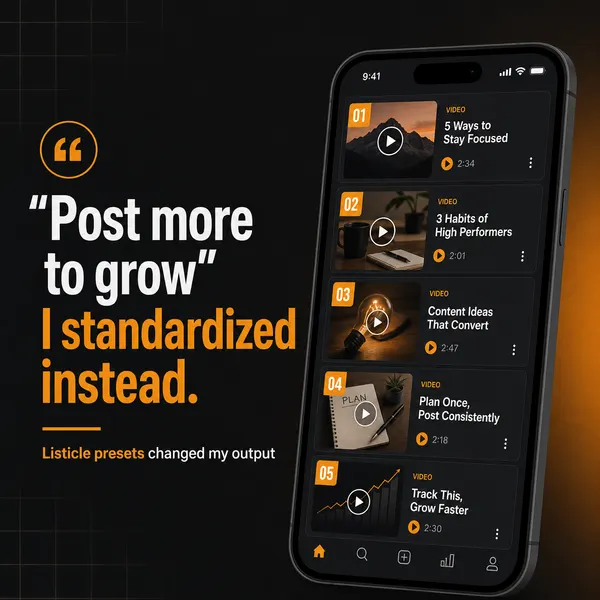
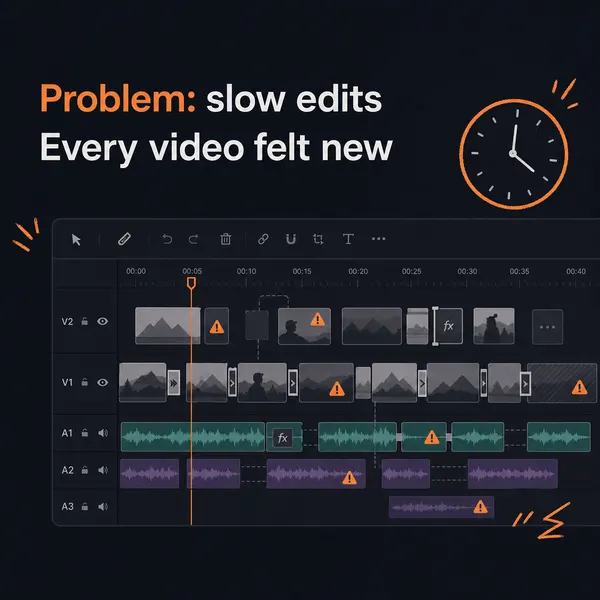
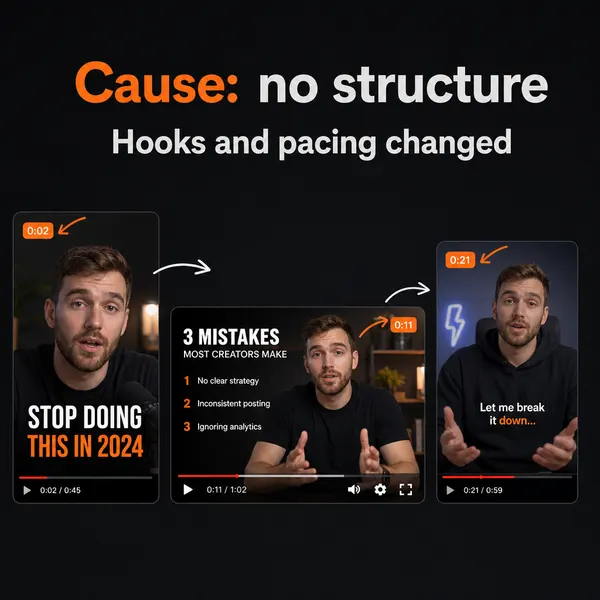
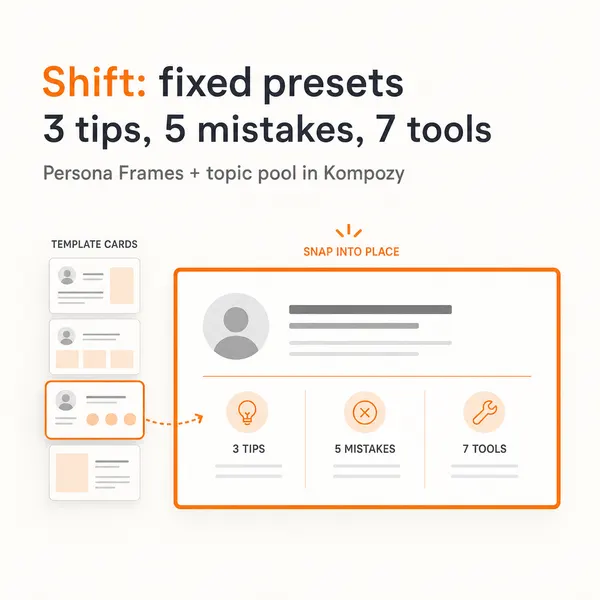
A five-slide carousel generated in the Kompozy workspace, included to show the format. It has nothing to do with this audit and wasn't made for it.
Who is this for, and who should skip it?
Best for:
- Sites that get most of their search traffic from informational and how-to queries
- SEO teams that need a list of the pages AI Mode is intercepting
- Brands deciding whether to shift effort into email and social
Not ideal for:
- Sites that mostly rank for transactional or pricing queries, which still tend to send users out
- Anyone who needs an exact AI-Mode-only traffic number. Search Console doesn't split it out
- Teams hoping Kompozy will run the audit. It only helps with the content afterward
Frequently asked questions
How do I know if Google AI Mode is answering my queries instead of sending clicks?
Test it directly. Take your top informational and how-to queries, enter each in AI Mode, and log whether it fully answers in the thread and whether your site is cited. Similarweb clickstream data analyzed by iPullRank put clicks out of AI Mode below about 3 percent, so most answered queries send nothing — the thing to measure is whether you are at least the cited source when it does answer. Walk the follow-up turns too, because AI Mode strings a session together and your visibility can differ turn to turn.
Can I see AI Mode citations in Google Search Console?
Only partly. Since June 2026 a generative-AI performance view shows impressions from Google's AI features, but it combines AI Mode with AI Overviews into one bucket and reports impressions only — no clicks, no per-query citation data, and no AI-Mode-only figure. It tells you your AI exposure is rising or falling, directionally. To know whether you are actually cited on a specific query, you still have to run that query in AI Mode and look, which is what this audit does.
Why test follow-up questions and not just my main keyword?
Because AI Mode does not treat a query as a single lookup. It uses query fan-out — decomposing your question into related sub-questions and answering them together — and it is conversational, so users refine across follow-up turns in the same thread. A page can be absent from the opening answer and surface on the follow-up, or the reverse. Testing only the head keyword measures a fraction of your real exposure; the session, including the natural next questions, is the true unit.
What should I do about queries AI Mode answers without citing me?
Two things, in order. First, make the page citable so you at least become the named source — lead with a direct answer, use question-shaped headings, and add original data or first-hand detail the summary can't reproduce. Second, for topics AI Mode will resolve in place no matter how well you structure the page, stop depending on that click: move the audience relationship onto owned email and native social feeds, where discovery needs no outbound click. Being cited captures the residual; owning the channel captures the rest.
How do we know this?
On 2026-10-23 we checked the AI Mode click figure against iPullRank's analysis of Similarweb clickstream data, and the Search Console report details against Search Engine Journal's coverage of Google's June 2026 launch. The audit steps are a method we describe, not results we measured. Kompozy plan details come from kompozy.io/pricing.
Sources
- iPullRank: Signals in the Clickstream, early referral data on Google AI Mode (read 2026-10-23)
- Search Engine Journal: Google reports AI search impressions, how to read them (read 2026-10-23)
- Kompozy: Pricing (read 2026-10-23)
Related tutorials
- How to track Google AI Mode traffic in Search Console (2026)
- How to diversify your traffic away from Google search (2026)
- How to optimize content for Google AI Mode's longer queries (2026)
- How to measure traffic lost to Google AI Overviews — and respond (2026)
- How to write content that performs in AI search (2026)
- How to check if AI search is citing your content (2026)