Google Launches Pics, a Prompt-First AI Image Tool Aimed at Canva
On September 1, 2026, Google began rolling out Pics inside Google Workspace — an AI image generator and editor where you describe a design in words instead of building it from a template, powered by its Nano Banana image model.
2026-09-01 · by Moe Ameen
Published 2026-09-01 · Updated
Short answer
Google Pics is an AI image generator and editor built into Google Workspace. Google announced it on September 1, 2026, starting in Docs and Slides with Drive to follow, for most Workspace customers and Google AI Pro and Ultra subscribers. It runs on Google's Nano Banana model and starts from a prompt instead of a template. It makes and edits single images. It doesn't schedule or publish posts.
Key takeaways
- Google announced Pics on September 1, 2026, rolling out in Docs and Slides first, with Drive later.
- It reaches most Workspace customers plus people who pay for Google AI Pro or Ultra.
- You prompt for a design instead of picking a template, and there is no creator marketplace like Canva has.
- It edits images (objects, in-image text, translation) but does not make video or publish anywhere.
What did Google launch with Pics?
Google began rolling out Pics on September 1, 2026, an AI image creation and editing tool built into Google Workspace. It first appears inside Google Docs and Slides, with Google saying it will expand to Drive and reach most Workspace customers, plus people who pay for Google AI Pro or Ultra, over the coming weeks.
The pitch is that you make a design by describing it rather than assembling it. You type what you want — a poster, a social post, a product shot, an illustration — and Pics generates several options to choose from, powered by Google's Nano Banana image model. From there, built-in editing tools let you isolate and transform objects and modify or even translate the text inside an image. Google is positioning it against Canva and Adobe Express, with one explicit difference — Pics starts from a prompt and a generative first draft instead of a template library.
Google also drew one line that separates it from Canva: there's no creator marketplace where designers earn royalties on templates and assets. Pics leans entirely on generation. It's wired into the Workspace apps people already use and supports collaborative editing. As with any fast-moving launch, treat specific availability, tiers, and feature details as a snapshot and confirm them on Google's own pages.
Why does Google Pics matter for creators?
- Prompt-first design lowers the floor for non-designers. A coach, agency, or small brand can describe a poster or social graphic and get a usable draft without opening a design app or learning layers.
- The output is a static image living inside a Google doc, slide, or Drive — not a scheduled, captioned, multi-platform post. Getting that image onto TikTok, Reels, LinkedIn, or a blog is still manual work downstream.
- Pics generates single images. It does not clip long-form video, make talking-head or avatar video, build a multi-slide brand carousel, or write a blog article or newsletter — the other formats a real content week needs.
- Access is gated behind Workspace, Google AI Pro, or Ultra, so it is not a standalone free tool for everyone — but for people already paying for Workspace, it puts image generation one prompt away.
- It sharpens a broader 2026 pattern: the big platforms are folding generative image tools into the apps you already pay for, which raises the baseline for graphics and shifts the real edge to consistency, format range, and distribution.
How do you turn a Pics image into a full content set?
Pics is genuinely useful for what it is: describe a graphic, get a clean image, tweak it by prompt, and drop it into your slide or doc. But a single image sitting in Google Workspace is one asset on one surface — and a creator's actual job is turning one idea into a week of on-brand posts across every feed. That gap between "I generated a nice graphic" and "the campaign is live everywhere" is exactly where Kompozy works.
Export the Pics image and it becomes raw material for a full release. Kompozy turns one source into a brand-exact Carousel for LinkedIn and Instagram, a set of Quote Graphics, a Persona Short or HeyGen avatar cut that delivers the same point on camera, plus a Blog Article and an Email Newsletter — all held to one Persona Brief so the batch reads as a single brand, not a folder of one-offs. Then Autopilot reframes each piece per platform, schedules it, and publishes across the eight social platforms plus blog and email behind a per-post review. Pics makes the picture; Kompozy makes the picture part of a content operation that actually ships.
What are the key facts about Google Pics?
- Google started rolling out Pics on Sep 1, 2026 — a prompt-first AI image generator and editor inside Google Workspace (Docs and Slides first, Drive next), powered by its Nano Banana model.
- It is positioned against Canva and Adobe Express but starts from a prompt and a generative draft rather than a template, and has no creator marketplace.
- Access is tied to Workspace subscriptions plus Google AI Pro and Ultra; it generates and edits single images, not video, carousels, blogs, newsletters, or scheduled multi-platform posts.
- Kompozy picks up where Pics stops: turning one image or idea into a full multi-format, on-brand content set and publishing it across nine platforms.
What does this look like in Kompozy?
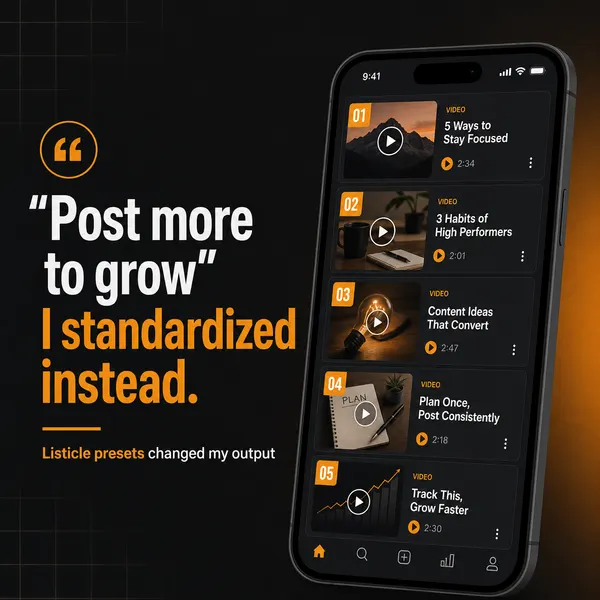
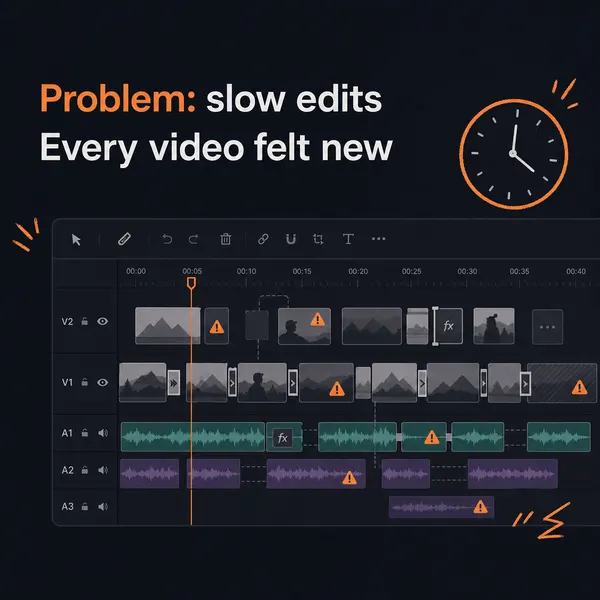
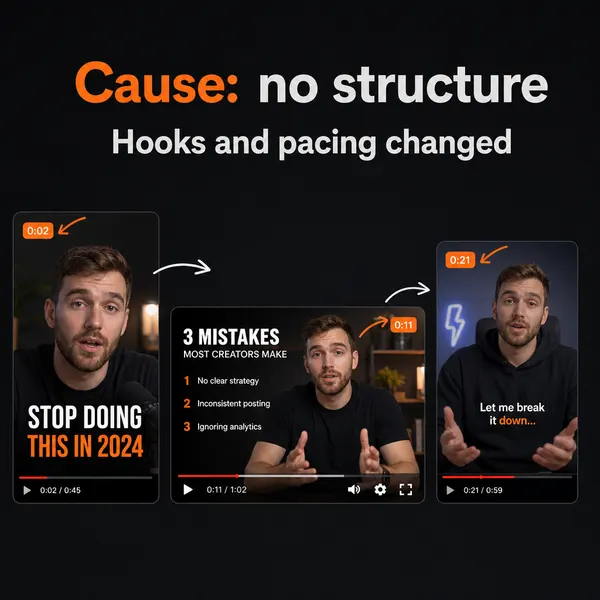
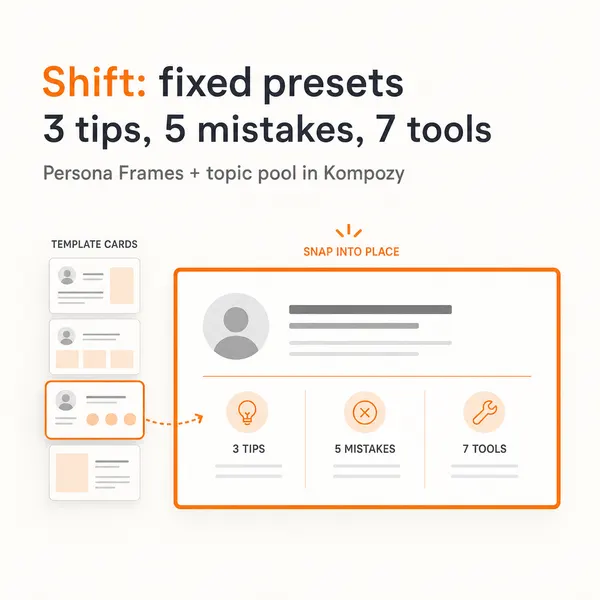
A real five-slide carousel generated in the Kompozy workspace, shown as an example of the format. It wasn't made about this story. It is the kind of multi-slide post a single Pics image can seed.
Who is this for, and who should skip it?
Best for:
- Workspace users who need quick graphics inside Docs or Slides
- Non-designers who would rather describe a poster than build one
- Teams who already pay for Google AI Pro or Ultra
Not ideal for:
- Anyone who needs video, carousels, blogs or newsletters from the same idea
- Creators who want scheduled posts across several platforms
- Designers who rely on Canva's template and asset marketplace
Frequently asked questions
What is Google Pics?
Google Pics is an AI image generation and editing tool built into Google Workspace, rolling out from September 1, 2026. You describe a design — a poster, social post, product shot, or illustration — in plain language and it generates options you can then edit, powered by Google's Nano Banana image model. Google positions it as a prompt-first alternative to Canva and Adobe Express.
When did Google Pics launch and who can use it?
Google announced Pics on September 1, 2026, and started rolling it out that day. It first appears in Google Docs and Slides, expanding to Drive, and is reaching most Workspace customers plus people who pay for Google AI Pro or Ultra over the following weeks.
How is Google Pics different from Canva?
Both target people who need to make graphics without being designers, but Pics starts from a prompt and a generated first draft rather than a template library, and it lives inside the Google Workspace apps you already use. Unlike Canva, it has no creator marketplace where designers earn royalties on assets.
Can Google Pics schedule or publish posts to social media?
No. Pics generates and edits images; it does not schedule content or publish to social platforms. To turn a Pics image into scheduled, captioned posts across TikTok, Instagram, LinkedIn, X, and more, you need a separate publishing layer — which is what a content engine like Kompozy adds, along with the video, carousel, blog, and newsletter formats Pics doesn't make.
How do we know this?
We checked every date, figure and quote on this page against the sources listed below on 2026-10-23, using TechCrunch's September 1, 2026 report as the primary account of the launch, and rewrote or removed anything they didn't support. Kompozy plan and feature details come from kompozy.io/pricing.
Sources
- TechCrunch — Google's answer to Canva is an AI tool where you prompt instead of design (read 2026-10-23)
- Kompozy — Pricing (read 2026-10-23)
Related news
- Google Ships Faster AI Image and Video Tools, Pushing Generative Media Toward Commodity Pricing
- Figma Adds Code Layers, Built-In Motion, and AI Shaders at Config 2026
- Google Rolls Out AI Image and Video Tools: Pics Creates, Agentic Video Understands
- Gemini Spark Can Now Manage Your Google Photos Library
- Canva Launches Canva Craft, Its First In-House AI Image Model — Built for Design, Not Photos