How to use Instagram's new reach features to reach non-followers (2026)
Use Instagram's 2026 reach features: put music on carousels for the Reels feed, unlock the full music library, and use Replace Audio without losing reach.
Last verified · 2026-10-23 · by Moe Ameen
Published 2026-08-20 · Updated
Short answer
To reach non-followers with Instagram's features in 2026, add music to carousels and photo posts so they can appear in the Reels feed, and build slide one like a Reel's first frame. Use Replace Audio, launched July 21, 2026, to swap a flagged track on a feed post without losing engagement. Per-slide captions and the new AI Stories effects add polish but no new reach surface.
Key takeaways
- Photos and carousels with music are eligible for the Reels feed. It is the only one of these features that adds reach.
- Business accounts get a smaller royalty-free Sound Collection, not the full licensed catalog.
- Replace Audio keeps a post's likes and reach, but Instagram says it gives no algorithmic boost.
- Replace Audio covers feed posts and carousels, not Reels.
- Mosseri named watch time, likes per reach and sends per reach as the top ranking signals.
Across 2026 Instagram shipped a run of features marketed as new ways to expand reach and engagement — Replace Audio on published posts, more than 30 new AI effects for Stories, and per-slide carousel captions, on top of the music-on-carousel option that makes static posts eligible for the Reels feed. Most creators treat them as one vague upgrade and get nothing out of it.
Handled deliberately, one of them genuinely opens a second place your content can be discovered: putting music on a carousel makes it eligible for the Reels feed, where non-followers scroll. The rest protect and polish what you post.
This is the ordered, do-it-today workflow for actually using them. The early steps are one-time setup — turning on the full music library and making music-on-carousel a default — because that is the step that adds a distribution surface. The later steps are the per-post habits (Replace Audio, per-slide captions, effects) and the cadence that Instagram's 2026 ranking rewards. Work them in order; you cannot ride the Reels-feed lever until you know which music library your account type gets. For the strategy behind which features matter and why, see the companion guide on Instagram's new reach expansion features.
How do you use Instagram's new reach features, step by step?
- Check which music library your account type gets. Music is the lever that opens the Reels feed, and your account type decides which music you see. Personal and creator accounts get Meta's licensed catalog. Business accounts get a smaller royalty-free Sound Collection, because the licensed catalog is cleared for personal use, not commercial use. Check your account type in settings first. If you post as a business, work from the Sound Collection instead of switching account type to reach songs you aren't licensed to use commercially.
- Add music to every carousel and single-image post. This is the one move that adds a distribution surface. When a carousel — or even a single-image feed post — carries a music track, Instagram makes it eligible to appear in the Reels feed on top of the standard feed, exposing a feed-only format to people who do not follow you. Make it a default habit: in the composer, add a track before you publish. It costs one tap and gives most static posts a shot at the non-follower reach that used to require an actual video.
- Build the carousel so it can compete as a video. Eligibility is not distribution. A carousel in the Reels feed is judged on the same signals as a Reel — watch time and shares — so the first slide has to work as a cover that stops a scroll, not as a quiet intro. Lead with your strongest visual and a clear hook on slide one, keep the payoff moving so people swipe, and pick music that fits the mood rather than a random trending clip. Treat slide one like a Reel's first frame: it decides whether the Reels-feed surface does anything for you.
- Use Replace Audio to rescue a flagged track without losing reach. When a live post is performing and its music gets muted or licensing-flagged, do not delete and repost — that throws away every like, comment, share, and unit of reach it earned. Instead use Replace Audio (launched July 21, 2026): open the published feed post or carousel, tap the three-dot menu, choose Edit, and swap the track from Instagram's licensed library. The post keeps its likes, comments, shares and reach, and you can swap a feed post's audio as many times as you like. It covers feed posts and carousels, not Reels. Use it reactively: it preserves reach, it does not boost it.
- Write a separate caption for slides that earn one. Instagram now lets you write a distinct caption under each carousel slide instead of one caption for the whole post. It adds depth and gives people a reason to keep swiping — strong for photo dumps, before-and-afters, and behind-the-scenes sequences. It does not change where the carousel is distributed, and it adds production time, so use it where each frame genuinely warrants its own line rather than on every post. The full mechanics are in how to add a different caption to each carousel slide.
- Apply AI Stories effects as occasional pattern interrupts. Instagram added more than 30 new AI effects for Stories (US only at launch). You pick them in the Stories composer, and you can type a prompt there to generate a custom effect. These are styling tools, not a distribution feature — but a fresh visual treatment can stop a scroll and lift watch time, which are ranking signals. Deploy them as occasional hooks on content that already has something to say. A novelty effect used every day ages fast and will not carry weak content.
- Post across surfaces on a steady cadence. Feed carousels, Reels and Stories are separate places to be found, and each new feature is a slot to fill, so plan a weekly rhythm that touches several: music-backed carousels, short vertical clips for the Reels feed, and Stories where the effects fit. Consistency across surfaces beats a single perfect post. To time each one, see the best time to post on Instagram.
- Track the signals that actually decide reach. In January 2025 Instagram head Adam Mosseri named watch time, likes per reach and sends per reach as the top ranking signals, and said sends (shares into DMs) are what push content out to non-followers. In Insights, watch which posts get saved and shared, not just liked, and make more of what earns sends. Judge the music-on-carousel lever by whether those posts show reach from non-followers in the Reels feed; if they do not, revisit slide one and the track choice.
What do people get wrong about Instagram's new reach features?
- Music on a carousel is eligibility, not a guarantee. It makes the post able to appear in the Reels feed; whether it actually gets surfaced still depends on the same watch-time and share signals as a Reel.
- The music library depends on account type. Business accounts get a smaller royalty-free Sound Collection instead of the licensed catalog that personal and creator accounts see.
- Replace Audio gives no algorithmic boost. Instagram's creator product marketing lead, Jimmy O'Keefe, has said the swap itself does not lift reach — its only value is preserving a post's existing engagement instead of losing it to a repost.
- Replace Audio does not cover Reels yet. It works on published feed posts and carousels only, so pick a Reel's track carefully before you post it.
- Per-slide captions and AI effects do not add a surface. Filing them as reach tactics wastes effort; they are depth and styling that can lift a post's signals, not distribution.
- Every one of these features only reaches people on Instagram. Your TikTok, YouTube, LinkedIn, Pinterest, and email audiences see none of it unless you also publish there.
Replacement and added music must come from Instagram's licensed in-app library. Using that library keeps you inside Instagram's music rights for organic posts; importing your own copyrighted audio can still trigger a mute or takedown in some regions, which is the exact problem Replace Audio exists to fix. Commercial and branded-content use can carry different rules than personal posting, so check Instagram's music guidelines if you are posting on behalf of a business.
How do you keep enough content coming to use these features?
Work these steps once and the truth of them shows up fast: they are a per-post ritual you repeat forever, and the wall you hit is not knowing the tactics — it is having enough Instagram-ready content to run them on. Adding music only helps if you have carousels to add it to. Posting across surfaces only works if you have carousels, verticals, and Stories to post. That supply is the exact job Kompozy does, and it does it as a batch, which is what makes the cadence in step seven survivable.
The workflow is a monthly sitting, not a daily scramble. Point Kompozy at a handful of sources — a long video, a few blog posts, a voice memo — and in one pass it generates the whole surface-ready spread: Carousel Posts built pixel-exact in HyperFrames (music-ready for the Reels-feed lever), captioned Persona Shorts and clipped verticals whose first frame is built to hold the Reels feed, plus Photo Posts and Quote Graphics for the grid — all governed by one Persona Brief so a month of posts sounds like one voice. Autopilot then schedules the batch across the eight social platforms plus blog and email from a single review queue behind a per-post gate, so the same carousel you set music on for Instagram also mirrors to TikTok, LinkedIn, Pinterest, and your newsletter — carrying reach to the audiences Instagram's in-app features never touch.
The division of labor is clean: Kompozy fills the queue, you pull the native levers. It ships the post; you add the music, Replace Audio in-app if a track gets flagged, and tune the Stories effects by hand — a manual minute per post on top of content you no longer have to produce from scratch. Kompozy's paid plans (see pricing) start with Starter, which fits a solo creator keeping one account's surfaces filled; Pro ($499/mo for 18,000 credits) suits a brand or agency running high-volume, multi-format cadence across many accounts; Enterprise is available through Contact Sales.
What does this look like in Kompozy?
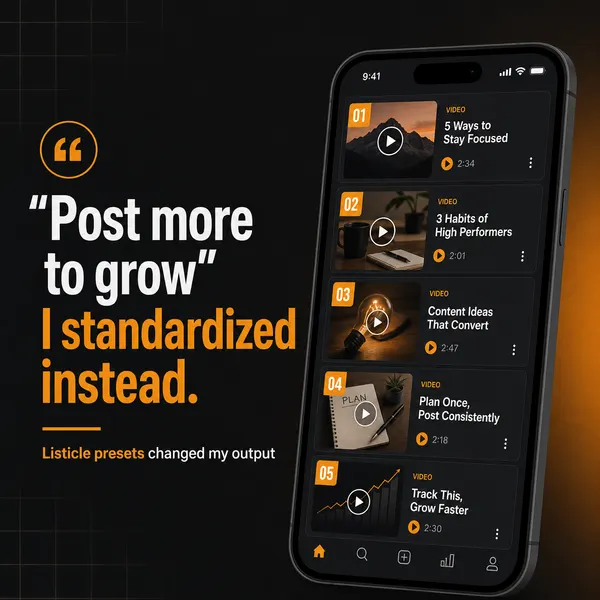
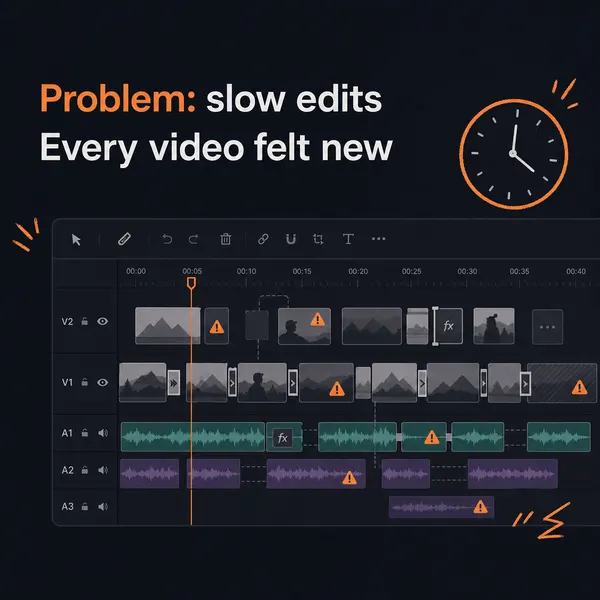
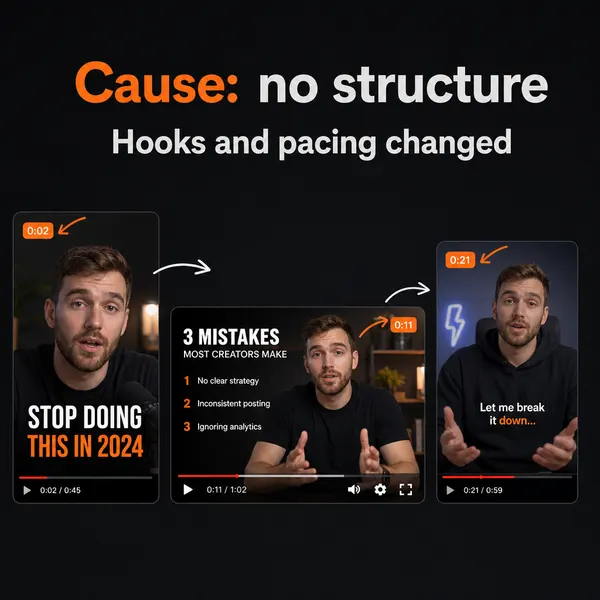
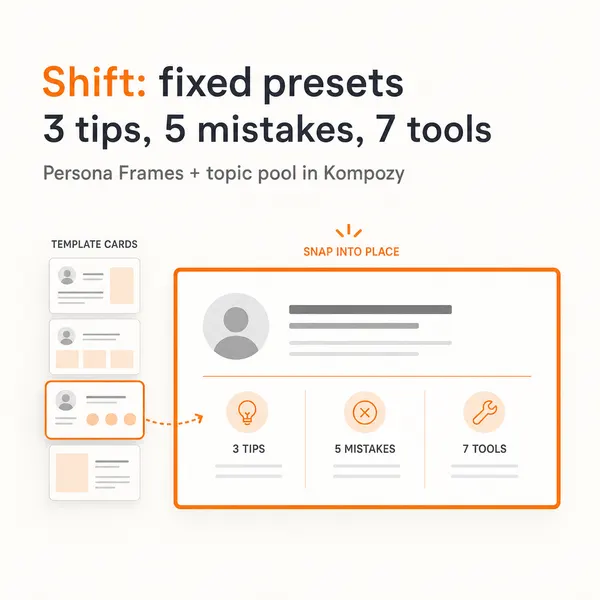
A real carousel made in the Kompozy workspace, shown as an example of the format. It was not made for this guide or for any customer.
Who is this for, and who should skip it?
Best for:
- Creators and brands that post static carousels and photos and want them in the Reels feed.
- Accounts with performing posts whose music got muted or flagged.
- Teams running a weekly mix of carousels, Reels and Stories.
Not ideal for:
- Business accounts hoping to use chart music. The licensed catalog is for personal use.
- Anyone expecting Replace Audio, per-slide captions or AI effects to raise reach on their own.
- Accounts outside the US looking for the new AI Stories effects, which launched US-only.
Frequently asked questions
How do I make my Instagram carousel show up in the Reels feed?
Add a music track to it. When a carousel — or a single-image feed post — carries music, Instagram makes it eligible to surface in the Reels feed as well as the standard feed, which is where non-followers scroll. Check your account type first: personal and creator accounts see the licensed catalog, while business accounts get a smaller royalty-free Sound Collection. Then build slide one as a scroll-stopping cover, because a carousel in the Reels feed competes on the same watch-time and share signals as a video.
Does Replace Audio boost my reach?
No. Instagram's creator product marketing lead has said replacing audio on a published post gives no algorithmic boost. Its value is defensive: when a track on a performing post gets muted or licensing-flagged, Replace Audio lets you swap it without deleting and reposting, so the post keeps all of its existing likes, comments, shares, and reach. It preserves the distribution you already earned rather than adding new distribution. Use it reactively when a track breaks, not as a growth tactic.
Why can I not add music to my Instagram posts?
Usually because of your account type. Business accounts see a smaller royalty-free Sound Collection instead of the licensed catalog, because that catalog is cleared for personal use, not commercial use. Personal and creator accounts see the wider library. Regional licensing can also mean a specific track is unavailable where you are, in which case pick another from the library.
How many of the new Instagram features actually help reach?
Really just one: putting music on a carousel or single-image post to make it eligible for the Reels feed, which adds a genuine new distribution surface. Replace Audio preserves reach rather than expanding it, and the new AI Stories effects and per-slide captions are styling and depth that can lift a post's engagement signals but open no new surface. Focus your reach effort on the music-on-carousel lever and treat the rest as protection and craft.
How do I keep enough content coming to fill all these surfaces?
That is the real constraint — every feature adds a slot to fill, and each surface is another place to be found, but you still have to produce the carousels, clips, and Stories. Batching is the answer: produce a month of surface-ready formats in one sitting rather than scrambling per post. A content engine like Kompozy generates carousels, vertical clips, and image posts from one source under a consistent brand voice, then schedules them, so there is always something on-brand ready to run through the native reach levers.
How do we know this?
On 2026-10-23 we checked Replace Audio against Music Business Worldwide and Digital Trends, the AI effects against Instagram's announcement, per-slide captions against Ubergizmo, the Reels-feed eligibility against Instagram's 2024 statement as reported by Jenn's Trends, music library access against Soundstripe, and ranking signals against Social Samosa. We corrected the account-type and Reels claims. Kompozy plan details come from kompozy.io/pricing.
Sources
- Music Business Worldwide: Instagram now lets users swap the music on published posts and carousels (read 2026-10-23)
- Digital Trends: Instagram is finally giving your old posts a soundtrack do-over (read 2026-10-23)
- Instagram: New AI effects in Instagram Stories (read 2026-10-23)
- Ubergizmo: Instagram adds per-slide captions to carousels (June 2026) (read 2026-10-23)
- Jenn's Trends: Adding music to Instagram carousels will get you more reach (Oct 2024) (read 2026-10-23)
- Soundstripe: Instagram music library: what's in it, what's missing (read 2026-10-23)
- Social Samosa: Instagram reveals key factors for boosting reach (Jan 23, 2025) (read 2026-10-23)
- Kompozy: Pricing (read 2026-10-23)