AI content tools in 2026: the complete category map
The opinionated 2026 map of every AI content tool that matters — across 8 categories — with decision frameworks for podcasters, YouTubers, founders, and agencies.
Published 2026-05-19 · Updated
Short answer
AI content tools fall into 8 categories in 2026: clipping, captioning, repurposing distribution, voice cloning, avatar video, scheduling, brand voice, and end-to-end orchestration. Specialists like OpusClip (paid plans from $15/mo), Submagic, ElevenLabs, HeyGen, and Buffer go deep on one job. End-to-end platforms like Kompozy (from $199/mo) cover several jobs at once. Start with the category that costs you the most time.
Key takeaways
- Eight categories, each with its own specialist tools and pricing.
- Entry prices on Oct 23, 2026: OpusClip $15/mo, HeyGen Creator $29/mo, Repurpose.io Starter $35/mo, Kompozy Starter $199/mo.
- Start with one tool and add a second only when a real gap shows up.
- Write a Persona Brief first. It shapes the voice of everything your tools produce.
What does the AI content tool map look like in 2026?
The map has eight categories: clipping, captioning, repurposing distribution, voice cloning, avatar video, scheduling, brand voice, and end-to-end orchestration. Each has its own specialist tools and pricing. End-to-end platforms like Kompozy cover several categories at once, so the main choice you face is a stack of specialists or one platform.
This hub is the opinionated map of the entire category. Each spoke below dives into one category or one decision frame.
Which tools fit each of the 8 AI content tool categories?
| Category | Example tool | Entry price (Oct 23, 2026) |
|---|---|---|
| Clipping | OpusClip | Paid plans from $15/mo |
| Captioning | Submagic | Starter $19/mo ($12/mo billed yearly) |
| Repurposing distribution | Repurpose.io | Starter $35/mo |
| Voice cloning | ElevenLabs | Starter $6/mo (instant voice cloning) |
| Avatar video | HeyGen | Creator $29/mo |
| Scheduling | Buffer | Essentials $5 per channel/mo, billed yearly |
| Brand voice / writing | Kompozy (Jasper Pro: $69 per seat/mo) | $199-499/mo |
| End-to-end orchestration | Kompozy | $199/mo |
Should you use a specialist stack or an end-to-end platform?
Specialist stack wins when: you only need one or two categories in depth, you have a dedicated content ops manager to keep brand-voice consistent across tools, or you have existing deep workflows in specific tools.
End-to-end platform wins when: you need several categories, you want one Persona Brief governing voice across all outputs, you want fewer bills, or you want autopilot (which is only possible when one engine owns the full pipeline).
If you publish in several formats, an end-to-end platform like Kompozy plus one or two specialists (often OpusClip and HeyGen) is simpler to run. Agencies with many client brands feel that difference most, because every extra tool multiplies across clients.
What changed in AI content tools in 2026?
- Credit-based pricing spread. Many AI content tools now bill by credits or usage instead of seats, though some, like Jasper, still price per seat. See the credit vs seat pricing breakdown.
- BYOK became a common option. Some platforms let you connect your own AI provider keys. It tends to pay off at high volume and costs you setup time. See BYOK vs managed AI.
- Open-source got good enough for transcription and basic text. Self-hosted tools like Whisper handle those jobs, while avatar video is still mostly a SaaS job. See open-source vs SaaS.
- Multi-brand workflows got more common. Agency plans with separate workspaces and per-client brand briefs are easier to find than they used to be. See AI tools for agencies.
How do you get started with AI content tools?
- Identify which categories you actually need (clipping? captioning? end-to-end?).
- Pick one specialist or one end-to-end platform; do not start with a full stack.
- Write a Persona Brief first. It shapes the voice of everything your tools produce.
- Start with Kompozy for end-to-end, or pick the specialist that matches your single most painful workflow gap.
- Get comfortable with the first tool before you add a second. Stacks bloat when new tools arrive before the first one is working.
Where can you go deeper on each AI content tool topic?
This is the canonical entry point. Each sub-topic below has (or will have) its own deep-dive guide.
Which related guides cover nearby topics?
Topically adjacent guides on the same domain. Each links into a full cluster of its own.
- AI Content Repurposing — The complete method for turning one source into many pieces of native-format content across every platform, without producing AI slop.
- Autonomous Content Creation — How quality gates and a calibration period make autopilot output safe to publish, and how to decide when to flip the switch.
- Content Automation — Daily publishing as engineering, not willpower: RSS feeds, webhooks, scrapers, Persona Briefs, and multi-platform scheduling wired into pipelines that run without you.
- AI Podcasting — Recording is only part of podcasting. Production and distribution take the rest of the time, and this is the AI stack that automates them.
- AI Video Generation — Text-to-video, avatar video, faceless video, generative B-roll — six distinct AI video categories, each with different winning tools and use cases. Here is the complete map.
- B2B Content Marketing — B2B content marketing in 2026 is founder-led, AI-augmented, and conversion-tuned. This is the playbook for B2B SaaS teams shipping daily across LinkedIn, blog, and email — without diluting brand voice.
- Creator Economy Tools — The creator economy in 2026 is more tooled than ever. This is the operator-grade map: which tools win which categories, where the consolidation is happening, and the minimum stack that builds a durable creator business.
- AI Email Marketing — Email is the only channel you own. Here is the AI-augmented playbook that ships subject lines, sequences, and deliverability that converts — without sounding like a 2015 marketing automation template.
- YouTube Channel Growth — YouTube growth in 2026 is harder and more leveraged than ever. AI handles production; algorithm understanding handles growth. Here is the playbook that combines both for channels that compound.
What does this look like in Kompozy?
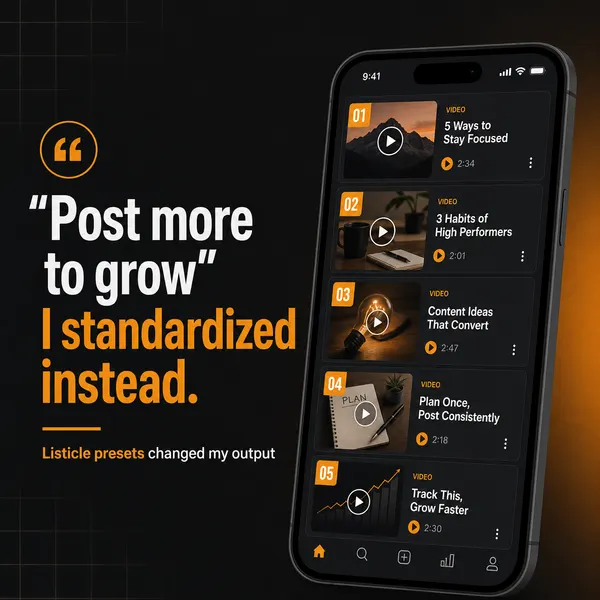
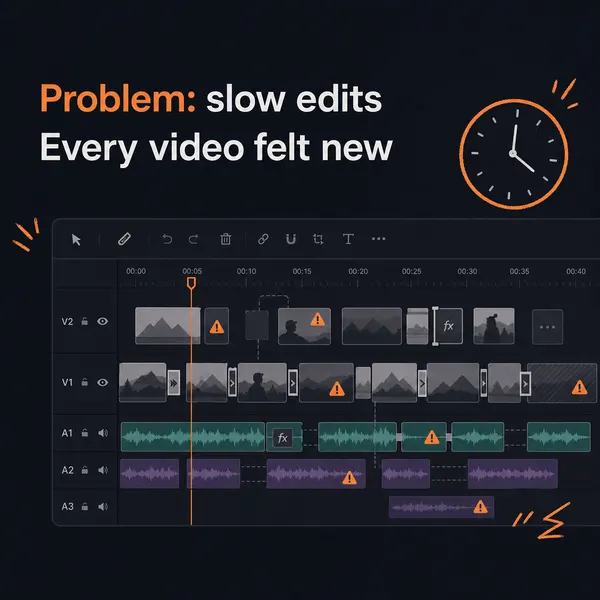
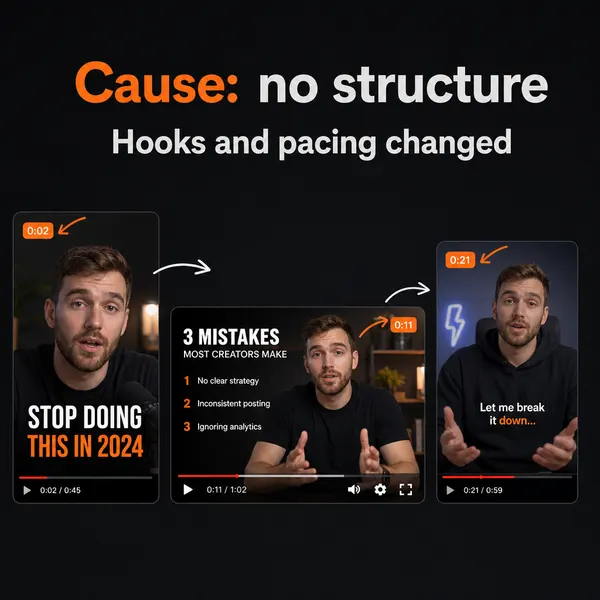
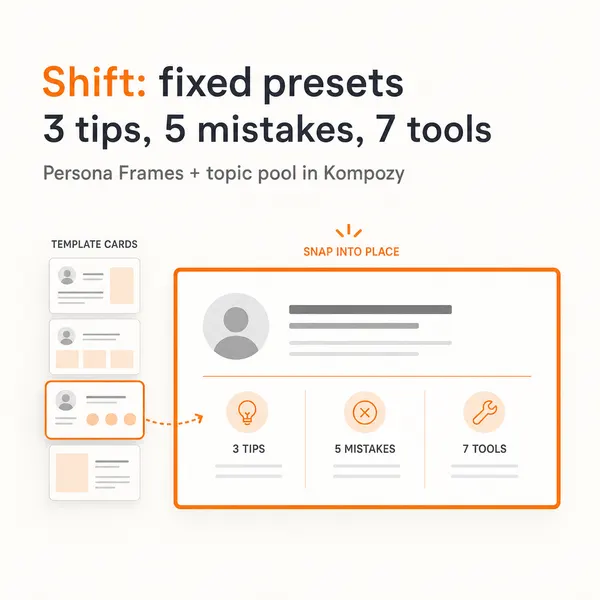
A carousel from the Kompozy workspace, one of the formats an end-to-end platform produces from a single source. It shows the format only; it was not built for this page.
Who is this for, and who should skip it?
Best for:
- Creators and small teams choosing their first AI content tool
- Anyone pricing a specialist stack against one end-to-end platform
- Agencies weighing how many tools to run across client brands
Not ideal for:
- Someone who only clips video. OpusClip paid plans start at $15/mo, far below Kompozy
- Budgets under $199/mo for an end-to-end platform. Start with one specialist instead
- Teams that want avatar video on one bill. Kompozy runs avatar video on your own HeyGen account
What do people ask about AI content tools?
What is the best AI content tool in 2026?
There is no single best tool. This hub splits the category into 8 groups: clipping, captioning, repurposing, voice cloning, avatars, scheduling, brand voice, and end-to-end. Common picks are OpusClip for clipping, Submagic for captions, Repurpose.io for distribution, ElevenLabs for voice, HeyGen for avatars, Buffer for scheduling, and Kompozy for end-to-end generation and publishing.
How many AI content tools should I use?
Start with one and add a second only when a real gap shows up. Every extra tool is another place for your brand voice to drift, so one end-to-end platform plus one or two specialists is a setup that stays manageable.
Are AI content tools worth it for solo creators?
Yes, if you start with one category. Pick the job that eats most of your week, usually clipping (OpusClip) or turning one source into many posts (Kompozy), and automate that first.
How much do AI content tools cost?
Specialist tools are cheap to start. On October 23, 2026, OpusClip paid plans started at $15/mo, Submagic at $19/mo, HeyGen Creator was $29/mo, and Buffer Essentials was $5 per channel per month billed yearly. Kompozy starts at $199/mo on Starter. Prices change, so check each vendor page before you buy.
Do AI content tools replace human content marketers?
They take over production work like drafting, editing, and design. Deciding what to say, why, and to whom still needs a person. Tools that try to replace that judgment produce generic content.
What is BYOK and should I use it?
BYOK means Bring Your Own Keys: you connect your own OpenAI, Anthropic, or HeyGen account to a platform that orchestrates them, and you pay those providers directly. It can save money at high volume but adds setup and billing work. Kompozy covers most AI costs inside its credits; avatar video is the exception and runs on your own HeyGen account.
Can I switch tools without losing content history?
Check the export options before you commit. Ask whether you can download your generated content and scheduling history, and keep your source files and brand brief somewhere you control, so a switch does not start from zero.
How do we know this?
We read every vendor price on this page off the vendor's live pricing page on 2026-10-23: OpusClip, Submagic, Repurpose.io, ElevenLabs, HeyGen, Buffer, and Jasper. Kompozy prices come from kompozy.io/pricing. The eight-category map is our own grouping, not a market study.
Sources
- OpusClip: Pricing (read 2026-10-23)
- Submagic: Pricing (read 2026-10-23)
- Repurpose.io: Pricing (read 2026-10-23)
- ElevenLabs: Pricing (read 2026-10-23)
- HeyGen: Pricing (read 2026-10-23)
- Buffer: Pricing (read 2026-10-23)
- Jasper: Pricing (read 2026-10-23)
- Kompozy: Pricing (read 2026-10-23)
Get started with Kompozy → · See pricing · Compare Kompozy vs other tools